Last updated · Read Markdown
Brand voice and authors
How do I make articles sound like my brand? #
Open Brand and describe your Niche, Target Audience and Brand Voice. Choose Content Tone, then choose Save Brand Settings. For a named writing identity, open Authors, add a persona and save its voice details. You can pick an author persona on the New article form.
When to use it #
Use brand details for guidance that applies across your blog. Use an author persona for a particular writing identity, phrases and examples. Update these details before writing a new batch of articles.
Steps #
- Open Brand, then the Brand tab. Check Brand Name, Niche and Target Audience.
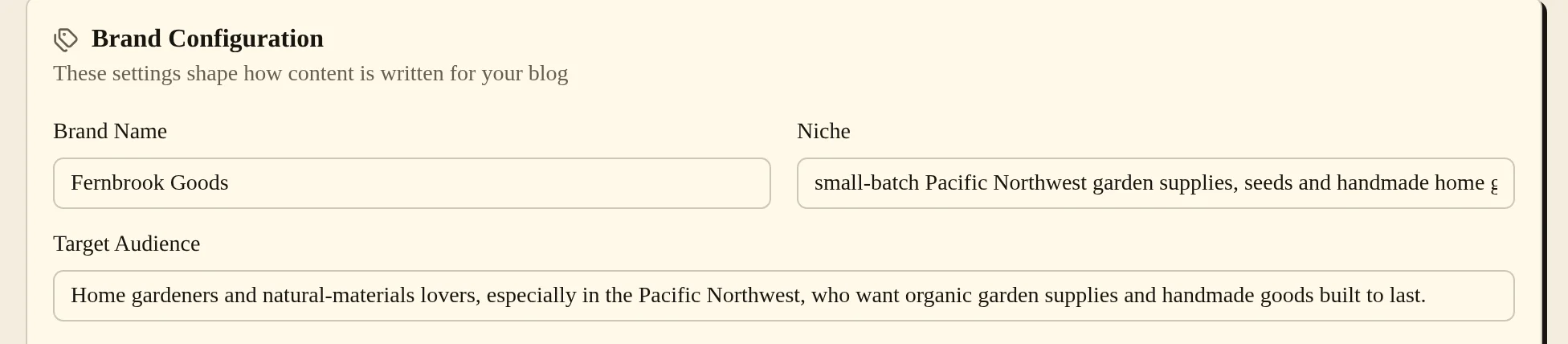
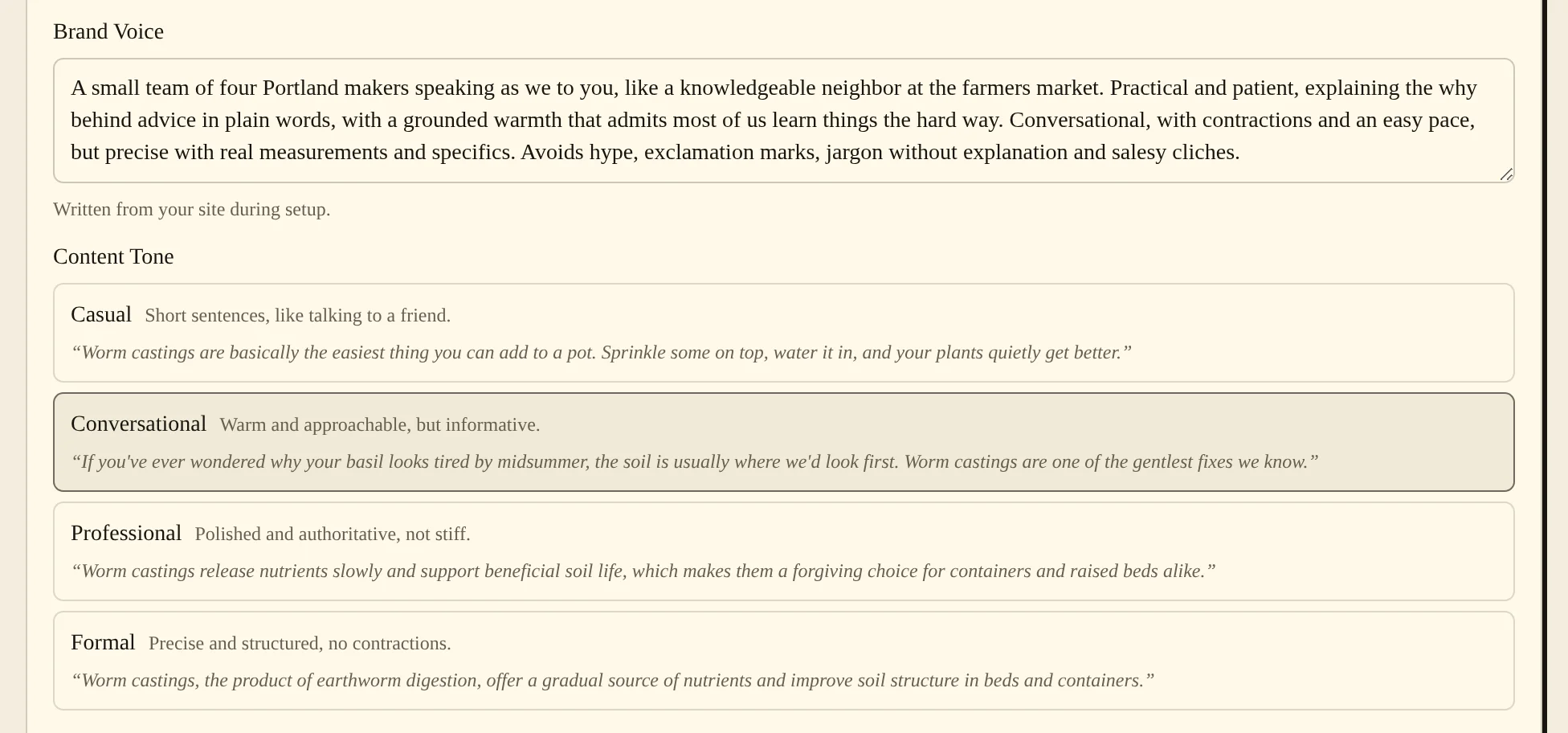
- Write your Brand Voice, choose Content Tone and choose Save Brand Settings. If a site-based voice suggestion is offered, read it before replacing your own words.
- Open Authors and choose Add Author. Fill in Pen Name, Bio and the writing fields, then choose Save Author. Leave Active on, and choose Set default to make this persona the default author for new articles.
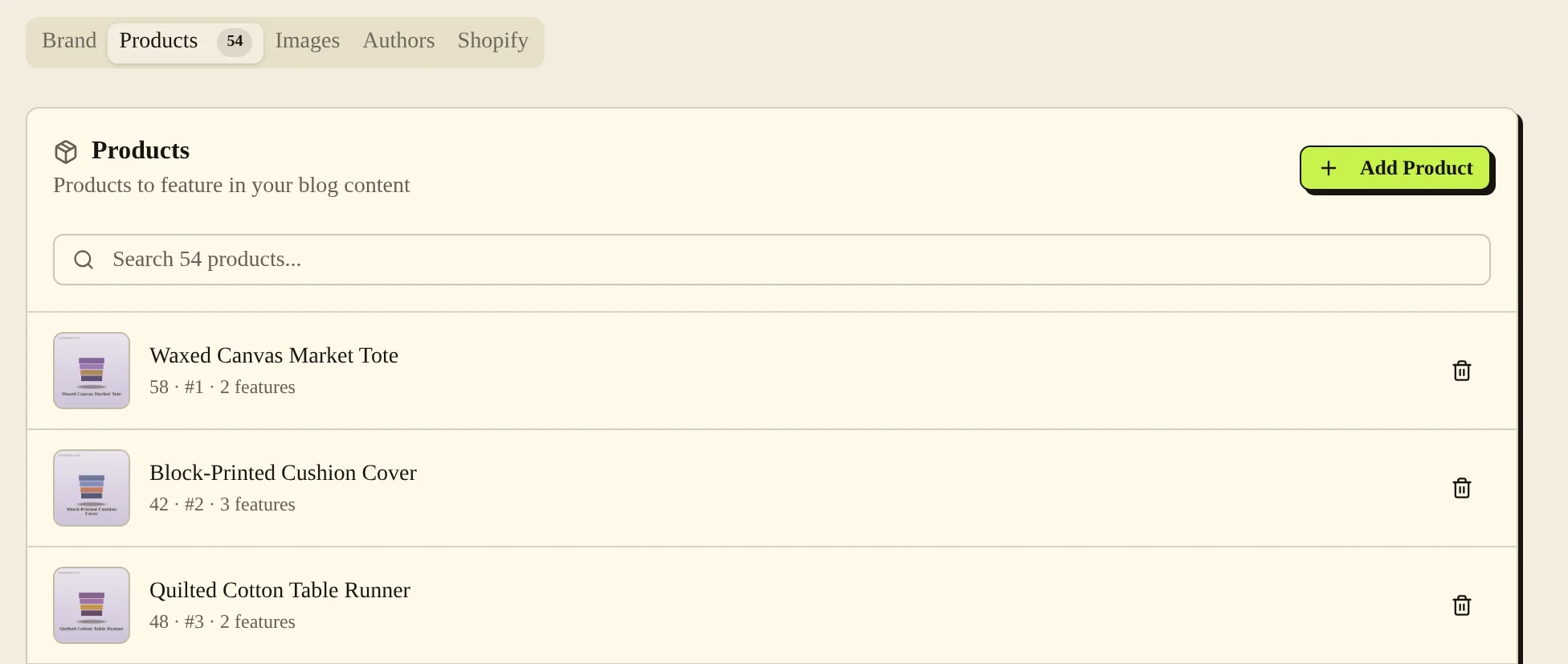
- Open Products to add products the writer can reference. Use Add Product, fill in the product details and choose Save. The Shopify tab can import public products using Shopify Store URL and Import Products.
Settings #
| Option | What it changes |
|---|---|
| Brand Name | Names the brand used in writing. |
| Niche and Target Audience | Describe the subjects and readers the writer should focus on. |
| Brand Voice | Gives writing guidance in your own words. |
| Content Tone | Chooses one of four tones: Casual, Conversational, Professional or Formal. |
| Seed Keywords (comma-separated) | Guides subject selection. |
| Pen Name, Credentials, Bio | Describe an author identity. |
| Writing Style, Tone, Perspective | Guide how the persona writes. |
| Phrases to Use (comma-separated) and Phrases to Avoid (comma-separated) | Give preferred wording and wording to leave out. |
| Example Intro Paragraph and Example Product Mention | Supply examples of the desired writing. |
| Active | Turn it off to hide a persona from Author persona on the New article form. |
| Product URL, Description, Features (comma-separated) | Supply product facts and a destination link. |
Importing public products from Shopify does not authorize publishing to that store. Set up the publishing connection separately.
Common problems and fixes #
If new writing does not reflect your changes, check that you saved the brand settings and picked the right Author persona on the New article form. Existing articles are not rewritten simply because you changed the voice.
“Set another default author before deleting this one” means the persona is your current default and other personas exist. Choose another default first.
If a site read fails, type the brand details yourself.
Related pages #
Shopify · Articles and the editor · Ideas · Images and product images · Languages · Team members and roles
Was this page helpful?