Last updated · Read Markdown
Ideas
How do I choose what PostSprout writes about? #
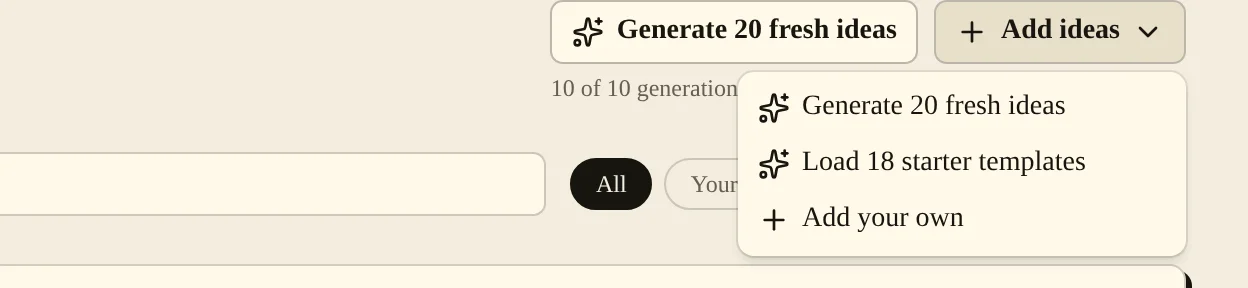
Open Ideas to add a topic, generate suggestions or choose a starter template. Choose Write this on one of your ideas to open it in the New article form. Your brand's seed keywords and competitor sites also help supply subjects for future articles.
When to use it #
Use ideas to keep a list of subjects your customers ask about. Add a description when the title alone does not explain the angle. Use competitor sites to follow subjects relevant to your shop, then review the suggested ideas before writing.
Steps #
- Open Ideas, then Add ideas and Add your own.
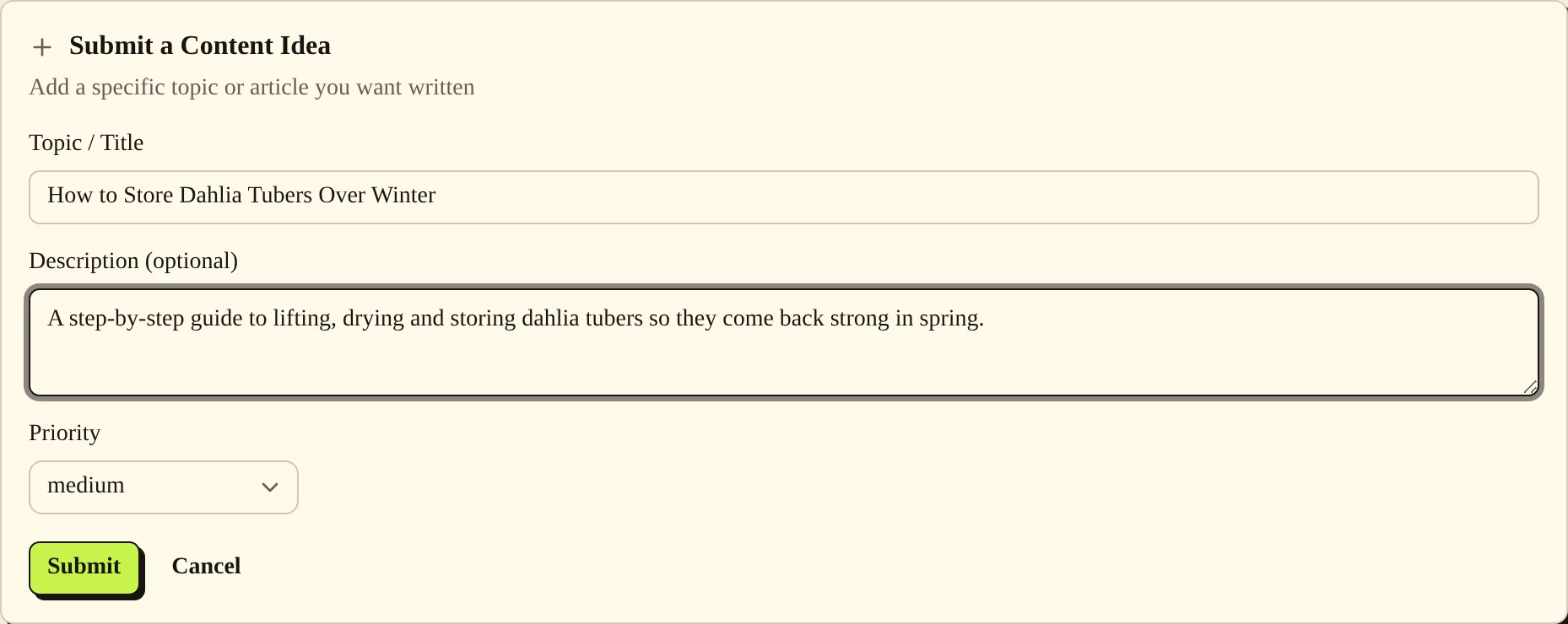
- Enter Topic / Title, add a Description (optional) and select Priority. Choose Submit.
- To get suggestions, choose Generate 20 fresh ideas. You can also choose Load 18 starter templates from Add ideas. Use the search field and filters to find a subject.
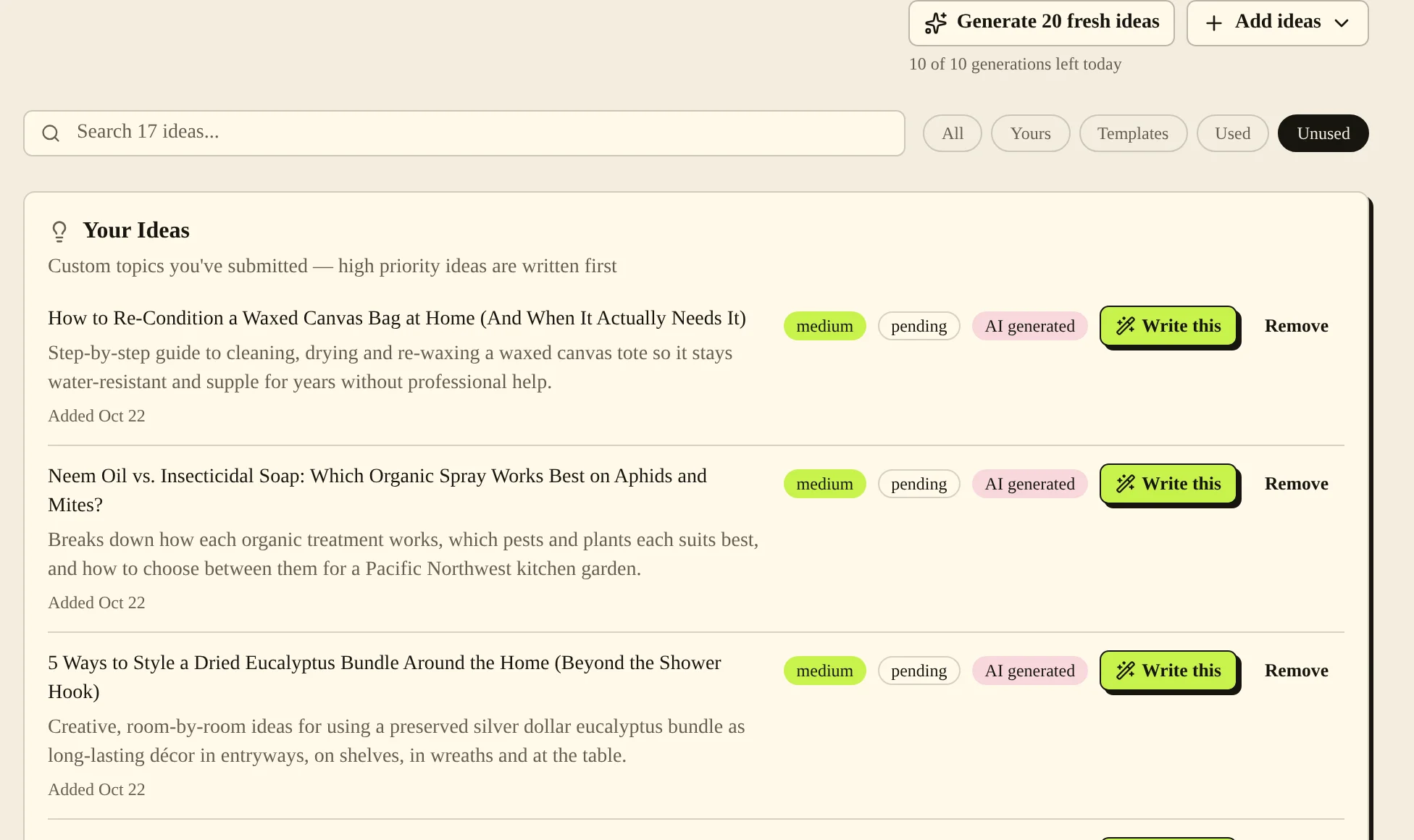
- Choose Write this on your idea. The New article form opens with that idea selected.

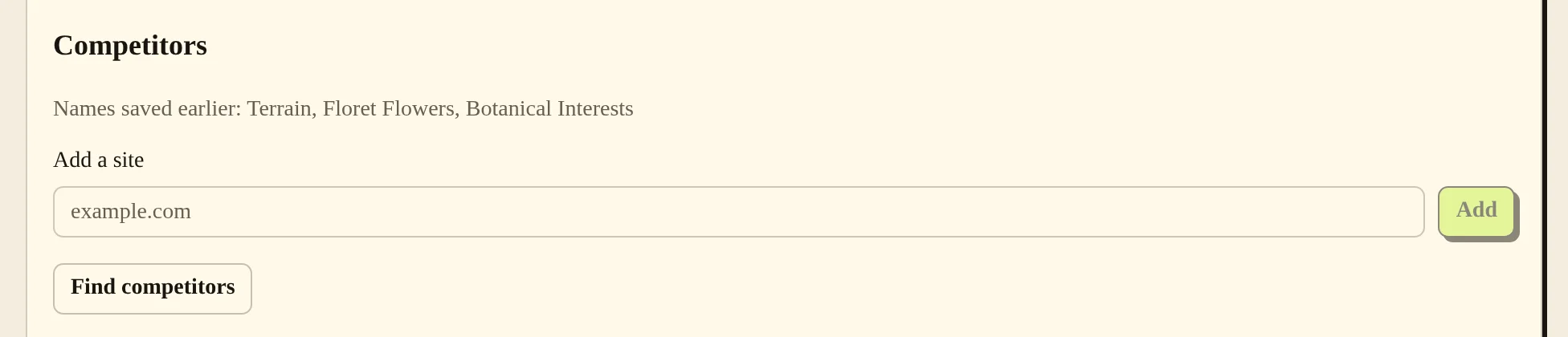
- To manage competitors, open Brand and find Competitors. Use Add a site and Add, or choose Find competitors. If asked, enter the buyer searches and choose Save and search.
Settings #
| Option | What it changes |
|---|---|
| Topic / Title | Names the subject of your manual idea. |
| Description (optional) | Gives the writer more detail about your intended angle. |
| Priority | Marks a manual idea as Low, Medium or High. |
| All, Yours, Templates, Used, Unused | Filter the idea list. |
| Seed Keywords (comma-separated) in Brand | Gives topic generation subjects related to your brand. |
| Add a site in Competitors | Adds a competitor to follow. Remove takes it out of your list. |
For active subscriptions and trials, PostSprout looks for feeds or sitemaps on saved competitor sites. It records an initial baseline, then uses new pages as candidates for ideas. A site without a readable feed may not supply ideas.
Limits #
As of November 2026, each blog can generate ideas 10 times a day. The screen shows how many generations are left today and when the limit resets. Each Generate 20 fresh ideas asks for 20 ideas. PostSprout drops ideas that repeat ones you already have, so fewer may be added.
You can add up to 5 competitor sites yourself. After a search, Find competitors shows how many hours remain before you can search again.
Common problems and fixes #
“Start your trial or choose a plan to generate ideas.” means your blog does not have the subscription required for generated suggestions. Open Plan & Billing to check your status.
“Already in your list” means that competitor is already saved. If you reach the site limit, remove a site you no longer want first.
If a competitor search fails, you can still add a site manually or write your own idea. A used idea remains visible with its usage information; use Unused when you want subjects you have not written yet.
Related pages #
Articles and the editor · Brand voice and authors · Publishing schedule and calendar · Quick start
Was this page helpful?