Last updated · Read Markdown
How PostSprout works
What happens between an idea and a published article? #
PostSprout chooses a topic, researches it and writes a draft using your blog's brand settings. Depending on your publishing settings, the article waits for your approval or publishes on its own. Publish Time and Timezone decide when scheduled articles go out.
When to use this guide #
Read this guide when you want to understand the stages you see in the dashboard, or when an article has stopped before publication.
Follow an article #
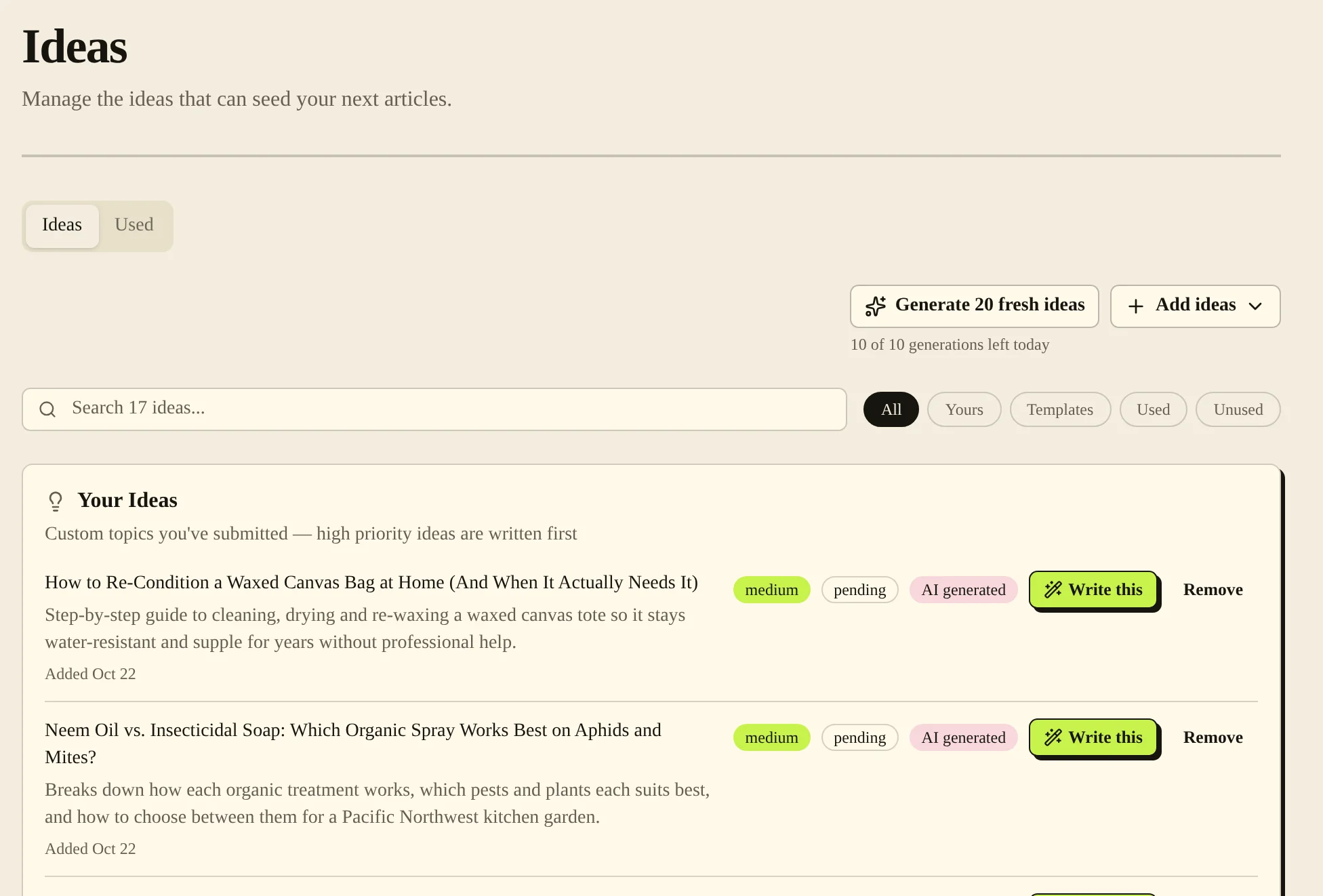
- Open Ideas to manage possible topics. Ideas that have already been used appear under Used.
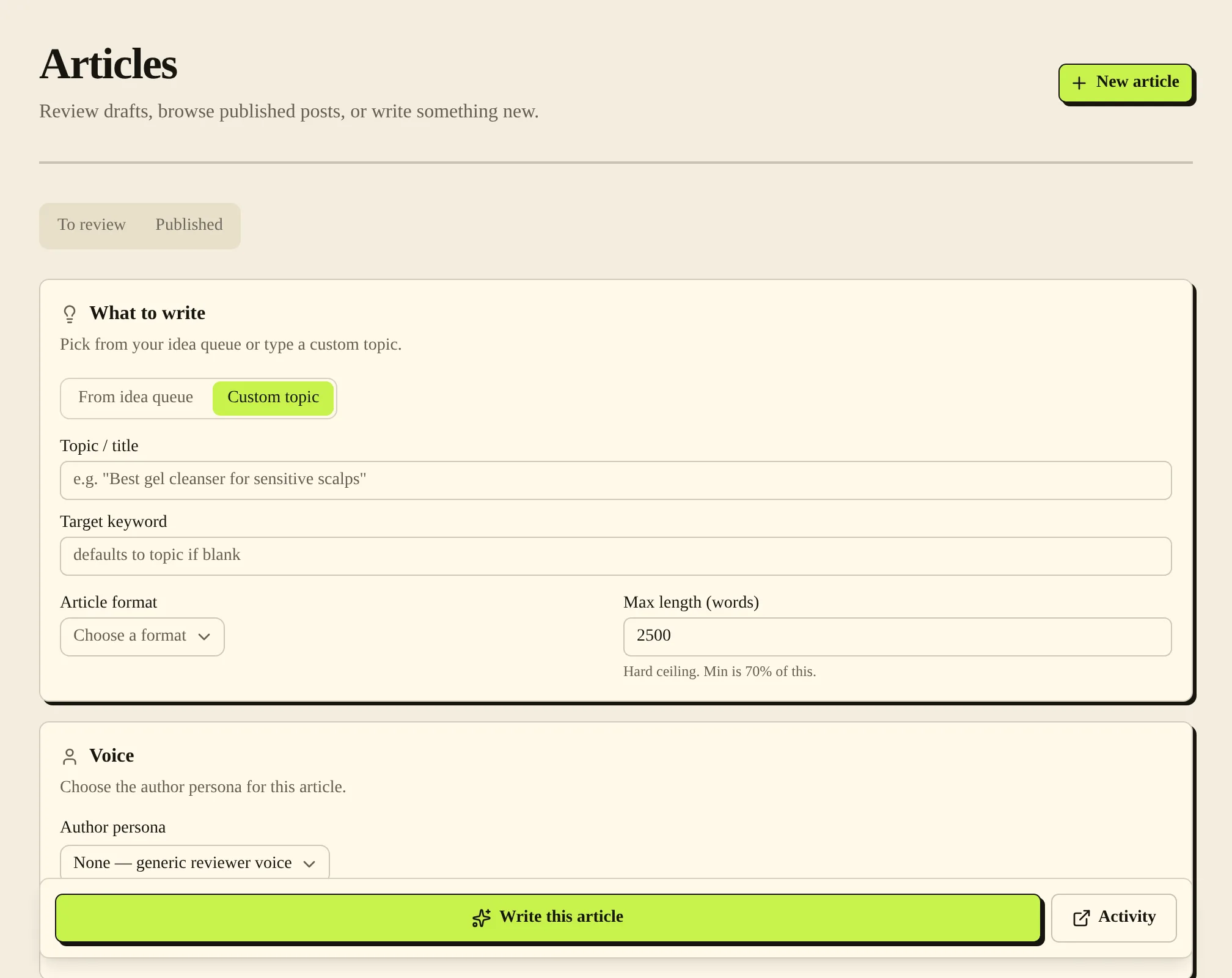
- To start an article yourself, open Articles and choose New article. Or turn on Auto-pipeline and let PostSprout write on its schedule.
- Open Articles, then To review, to see drafts that wait for your approval.
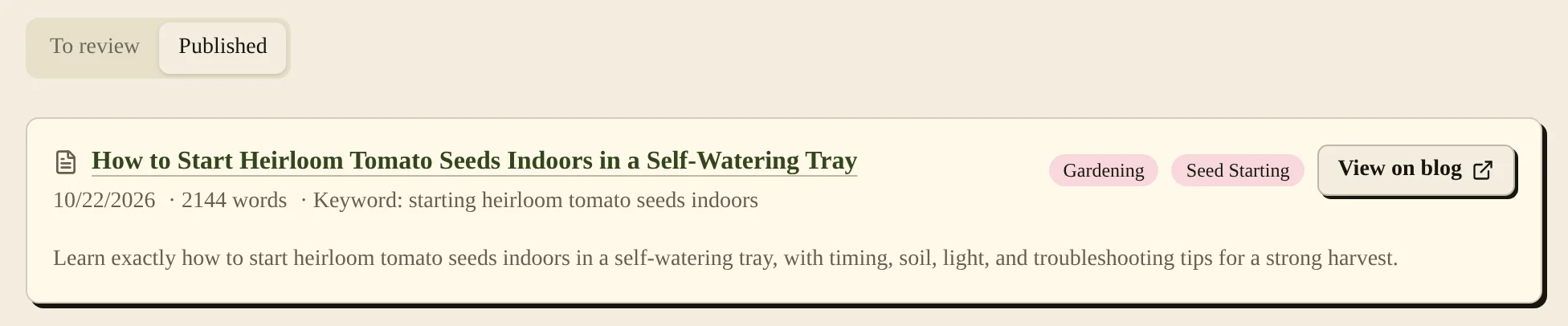
- Choose Approve & Publish on a draft you are happy with. Check Published and open the live link to confirm the result on your site.
Controls that change the flow #
| Control | What it changes |
|---|---|
| Auto-pipeline | Enables or pauses automatic pipeline runs. |
| Publish without approval | Publishes new articles without waiting for your approval. |
| Publish Target | Chooses where approved articles are published for this blog: WordPress or Shopify blog. Only the blog owner can change it. |
| Publish Time and Timezone | Set the time used by the publishing schedule. |
To follow each run, open Settings and choose Open pipeline on the Content pipeline card. Activity lists each run and its stages, including Research and writing and Image checked. Overview shows the writing settings.
Common problems and fixes #
If an article has no live page yet, check that you approved it, that your site connection works and that its scheduled time has passed. If automatic runs have stopped, check Auto-pipeline and pipeline Activity.
Related pages #
Publishing schedule and calendar · Quick start · What PostSprout does
Was this page helpful?