Last updated · Read Markdown
Languages
How do I choose the language my articles are written in? #
Open Brand and find Language your articles are written in. Choose a language and choose Save Brand Settings. This setting guides new articles. Changing it does not translate existing articles. The language of dashboard menus is a separate choice.
When to use it #
Use the article-language setting when your shop's customers read another language. Check it during onboarding if the detected site language is wrong. Use the menu language switcher when you only want to change how the PostSprout interface reads.
Steps #
- Open Brand, then the Brand tab.
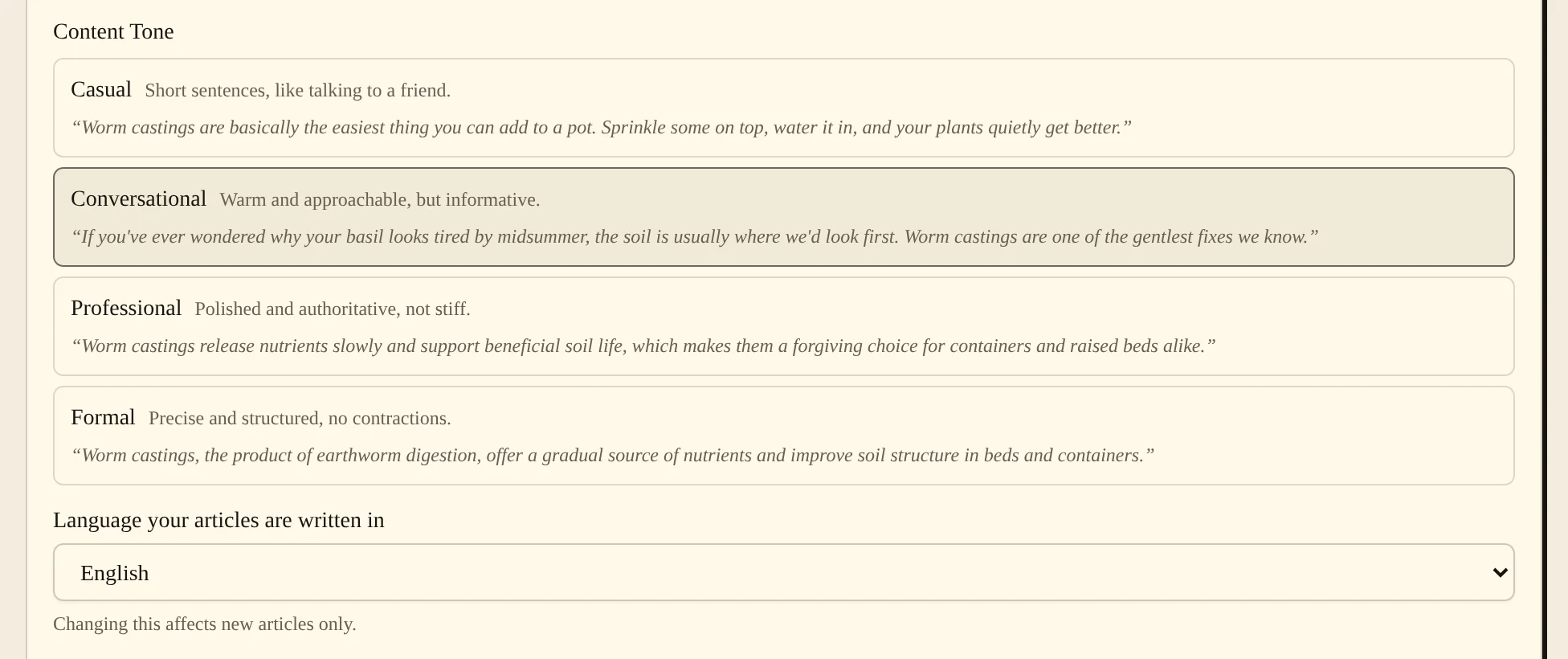
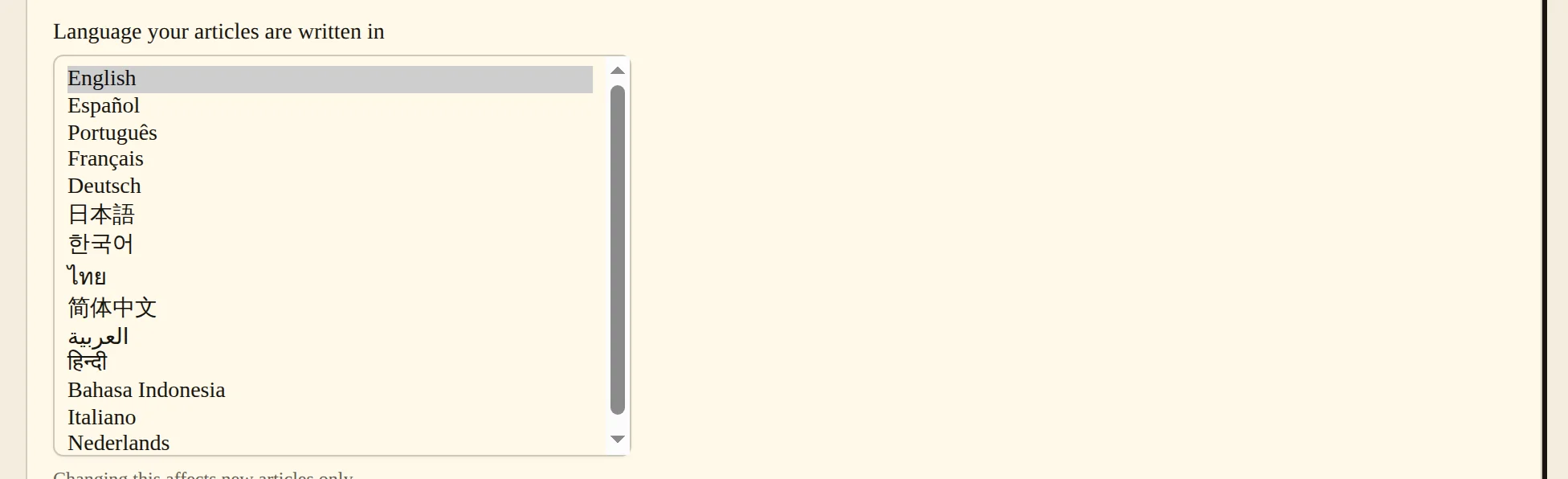
- Open Language your articles are written in and select the language you want for new articles. The list shows 14 languages, each in its own name.
- Choose Save Brand Settings. On Home, the We write it in your voice card now shows Written in and your language.

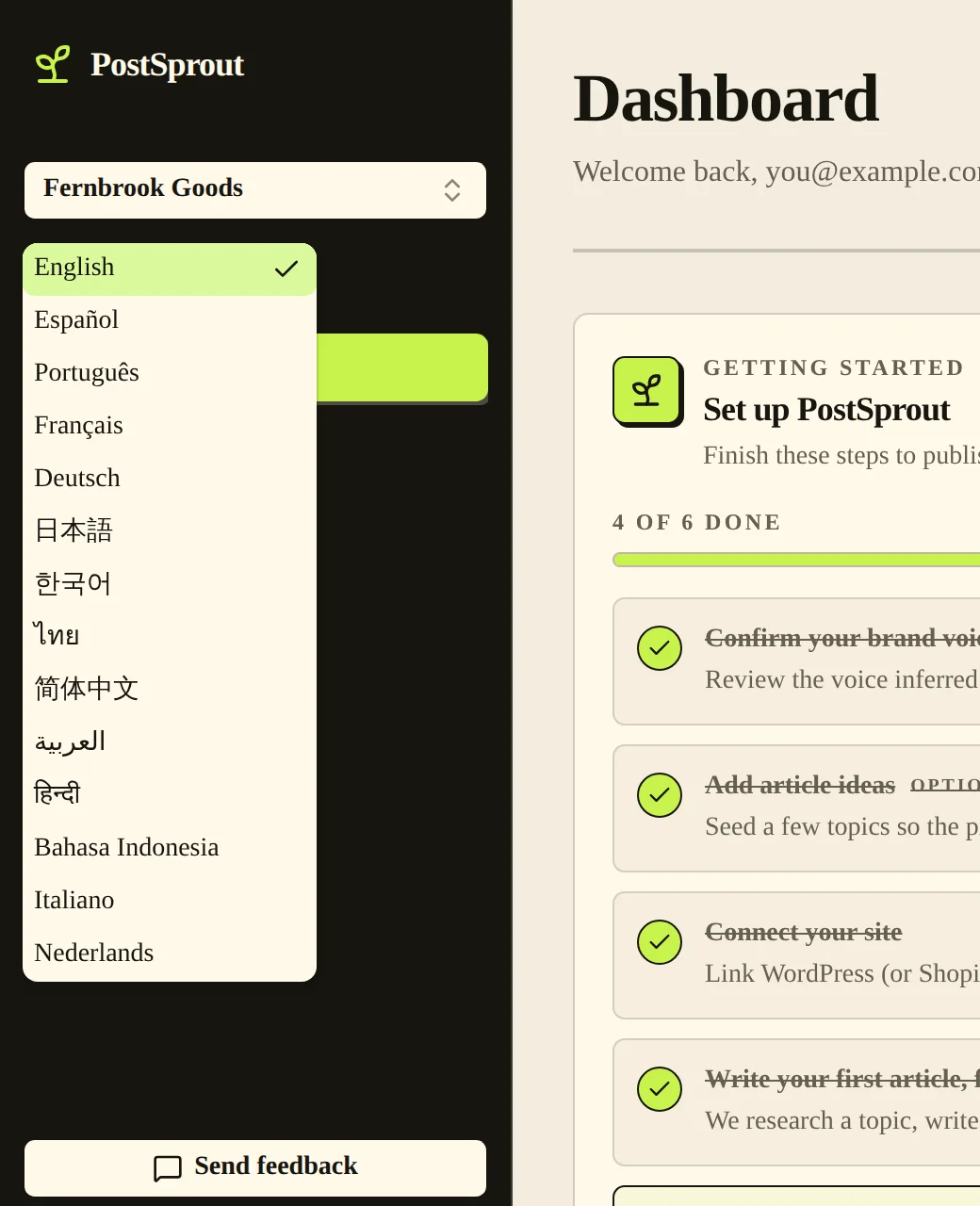
- If you only want to change the interface language, use the dashboard's language switcher instead.
Settings #
| Option | What it changes |
|---|---|
| Language your articles are written in | Sets the writing language for new articles in the current blog. |
| Site-language note during onboarding | Shows whether setup detected the language or used the English default. You can change the selection. |
| Dashboard language switcher | Changes interface text independently of the article writing language. |
Common problems and fixes #
If a new article uses the wrong language, check the active blog and save the selection in Brand before starting another run. Changing only the dashboard menu language does not change the writing language.
If setup could not identify your site's language, it uses English as the default. Choose the correct language in the selector before creating your blog or writing.
Related pages #
Articles and the editor · Brand voice and authors · Quick start
Was this page helpful?